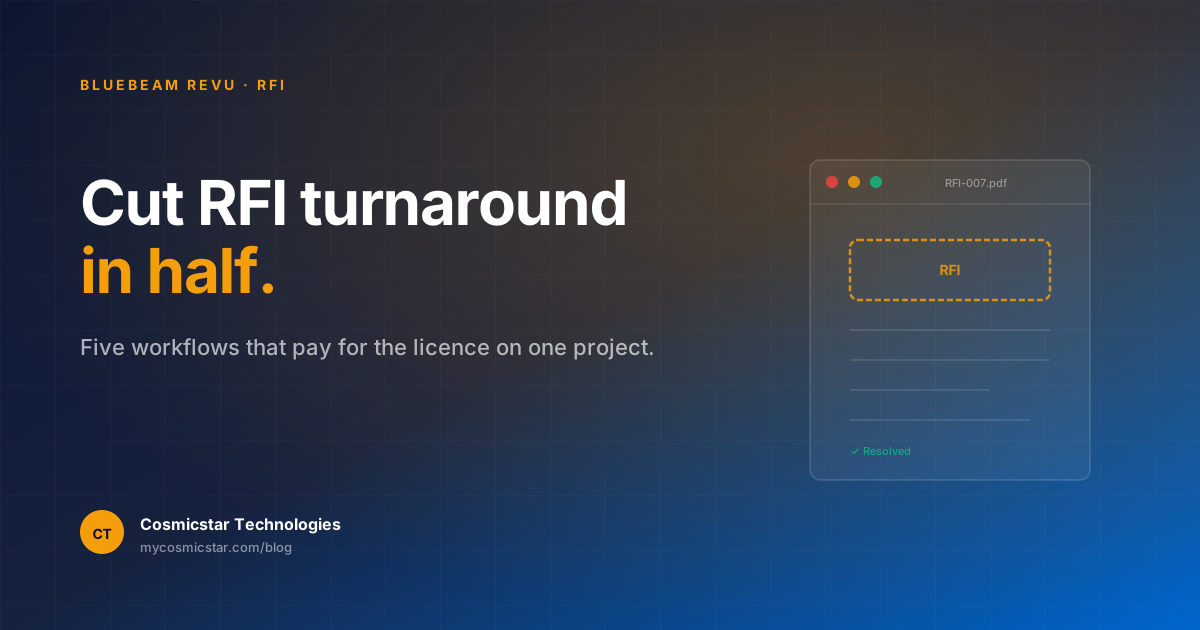
If you spend a meaningful part of your week emailing PDFs back and forth — markups, RFIs, tender clarifications, contractor submittals — Bluebeam Revu will give you the biggest productivity gain of any tool in your stack. We've seen practices cut RFI turnaround time by 50% with no other change.
Most Indian firms still use Adobe Acrobat or browser PDF viewers for these workflows. Bluebeam was built for AEC. The difference is enormous in practice.
Why Bluebeam beats generic PDF for AEC
Five things matter on construction documentation:
- Markup tools that match drawing conventions — clouds, callouts, bubbles, area measurements — not rectangles and stickies.
- Markups list — every annotation becomes a row in a database with author, date, status, custom columns. You can filter, sort, export.
- Tool Chests — your firm's standard markup symbols saved once, reused forever. New architects use them on day 1.
- Studio sessions — multiple people markup the same PDF live. The architect-consultant-contractor coordination meeting becomes a single shared session.
- Compare Documents — line-by-line comparison of two PDF revisions. Drawing v3 vs drawing v4: Bluebeam highlights every change, automatically.
Workflow 1: RFI logging and tracking
The standard Indian RFI workflow is: contractor emails a PDF question, architect prints it, marks it up, scans it back, emails the response. Lost: 1–3 days per RFI, sometimes more.
The Bluebeam workflow:
- Contractor sends the RFI PDF.
- Architect opens in Bluebeam, draws a cloud around the issue, adds a callout with the answer.
- The markup automatically appears in the Markups List with date, author, location, status.
- PDF goes back the same hour.
- End of project: filter Markups List by
Status = Opento get every unresolved RFI in one report.
We've seen firms reduce average RFI turnaround from 3.4 days to 1.3 days by adopting only this workflow.
Workflow 2: Tender review with consistent comments
When you receive a contractor's tender PDF for review, you typically need to mark up:
- Items where pricing seems wrong
- Items that don't match the BoQ
- Items where the spec is missing
- Items that are commercially out of scope
Build a Tool Chest with one custom markup symbol per category — Pricing query, Spec missing, Out of scope, etc. Each one is colour-coded and pre-filled with a label. Reviewing a 200-page BoQ is then a process of clicking the right symbol on every line.
Export the Markups List at the end and you have a complete, structured query register to send back to the contractor — built almost automatically.
Workflow 3: Multi-discipline coordination via Studio
Bluebeam Studio sessions let multiple people open the same PDF simultaneously. Markups are colour-coded by author. Real-time chat is built in.
This replaces the weekly "let's go through the drawings together" meeting that everyone hates. Instead:
- Coordinator uploads the latest drawing set to a Studio session
- Architect, structural consultant, MEP consultant all open it
- Each marks up their own discipline's queries
- Coordinator filters by author to see "what does each consultant want?"
- Resolution happens in the comment thread on each markup
The hours saved are significant. A 5-person multi-discipline team typically recovers 4–6 hours/week.
Workflow 4: Drawing version comparison
Drawing v7 to v8 has changes. Where? Without Bluebeam, you flick between two PDFs trying to spot what's different.
Bluebeam's Compare Documents opens two PDF versions side-by-side, automatically highlights every geometric and textual change in coloured overlays, and can export a "changes-only" PDF.
This is gold for:
- Architect reviewing a consultant's revised drawing
- Project manager auditing what changed since last issue
- Site team identifying what's new vs the version they have on site
Workflow 5: Quantity takeoff from PDF
If you don't have a BIM model yet (or you have a CAD-only project), Bluebeam's measurement tools let you do takeoffs directly on the PDF:
- Calibrate the scale once
- Use the Area, Length, Volume, Count tools
- Each measurement adds a row to the Markups List with quantities
- Export to Excel for the BoQ
It's not as good as proper BIM-driven takeoff, but for rapid pricing of small projects or for scenarios where the BIM model isn't available, it's an order of magnitude faster than measuring with a ruler.
Setting up Bluebeam at a small Indian practice
If you're considering Bluebeam for a 5–15 person practice, here's the rollout:
- Buy 2–3 licences first — let the document controller and one project lead use it for a month. Validate the workflows. Then expand.
- Build a firm-standard Tool Chest in week 1. RFI markup, code-query markup, drawing-mismatch markup, tender-review markup. Save it as a
.btxfile and share with every new user. - Train using your real projects, not sample files. A 4-hour hands-on session with the team's own current projects beats a generic tutorial.
- Standardise the export format — usually "PDF with markups flattened" for sharing externally, "PDF with markups live" for sharing internally.
Bluebeam Revu vs Adobe Acrobat for AEC firms
Adobe Acrobat does PDFs. It does not do AEC. Specifically, it lacks:
- AEC-grade markup symbols
- Markups List with custom columns
- Tool Chests
- Studio sessions for live collaboration
- Compare Documents at AEC scale
- Quantity takeoff measurement tools
If your team's day involves construction documents, Bluebeam costs less than the time wasted in Acrobat workflows in a single month.
Frequently asked questions
How much does Bluebeam cost? Bluebeam is now subscription-only via the Bluebeam Cloud. Per-user/year pricing varies by tier (Basics, Core, Complete). Talk to us for current Indian-market pricing — Cosmicstar is the authorised partner.
Will Bluebeam work with the rest of my BIM stack? Yes — Bluebeam is your PDF/markup layer. It complements Archicad/Revit (where 3D modelling happens) and Solibri (where model checking happens). All three address different stages of the workflow.
Do I need Bluebeam if I'm fully on BIM? You'd be surprised how often even a BIM-first practice exchanges PDFs — with clients, with statutory authorities, with site teams. Bluebeam stays useful.
How long does it take to learn? A new architect should be productive in Bluebeam after a 4-hour hands-on session. Becoming an expert (custom Tool Chests, complex Studio workflows) takes a few weeks of real-project use.